 pixel
EVERYDAY TOOLS / QR & codes
QR & codes.
8 focused tools with clear inputs, local results and the working shown. Choose the task that matches what you need to do.
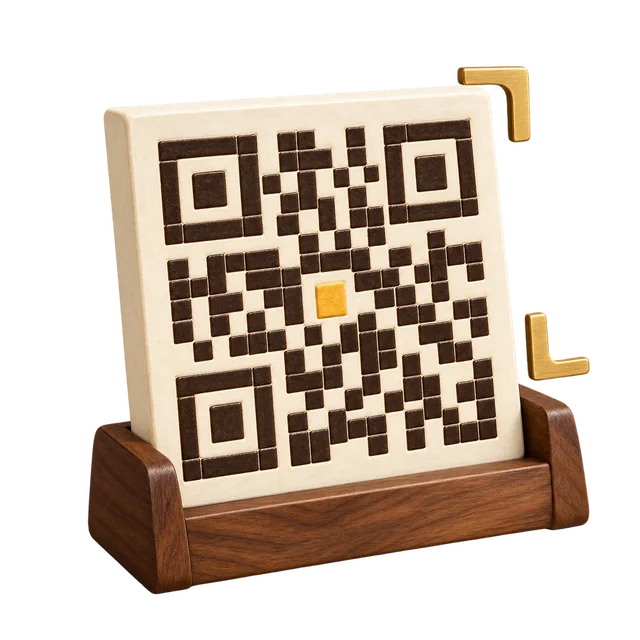
Create, inspect and export your code locally.
QR code generator
Make a real static QR code for links, Wi-Fi, contacts, messages and events, with local PNG and SVG exports.
Create, inspect and export your code locally.
QR code reader
Decode a QR code in a local screenshot or photo and review its contents before opening anything.
Create, inspect and export your code locally.
Barcode generator
Create Code 128, EAN-13, EAN-8 and UPC-A barcodes, validate check digits and export PNG or SVG.
Create, inspect and export your code locally.
Barcode reader
Read Code 128, EAN, UPC, Code 39 and ITF symbols from a local image.
Create, inspect and export your code locally.
Campaign link builder
Build campaign URLs with source, medium, campaign and optional term, content or campaign ID.
Create, inspect and export your code locally.
Contact card file
Create an escaped, downloadable vCard 3.0 contact with a readable text preview.
Create, inspect and export your code locally.
Calendar event file
Create an ICS event, using a fixed UTC offset and escaped event text.
Create, inspect and export your code locally.
Batch QR export
Turn up to 50 named CSV rows into separate real SVG QR codes and a ZIP manifest.
Make the
assumptions yours.
Read the labels, units and example on each page before using a result. Change one value at a time to compare a scenario. Inputs stay in this browser; no account is required.