 pixel
Make a small pixel grid with a deliberate palette
Reviewed · PixelDesk practical documentation
Pixel art relies on deliberate limits: a small grid, readable silhouettes and controlled colors. Converting a photo is a useful experiment, but an automated effect cannot make every compositional choice of a sprite artist.
Start with a readable silhouette
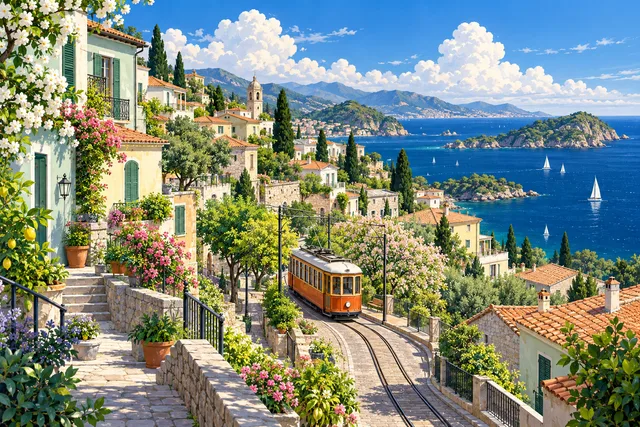
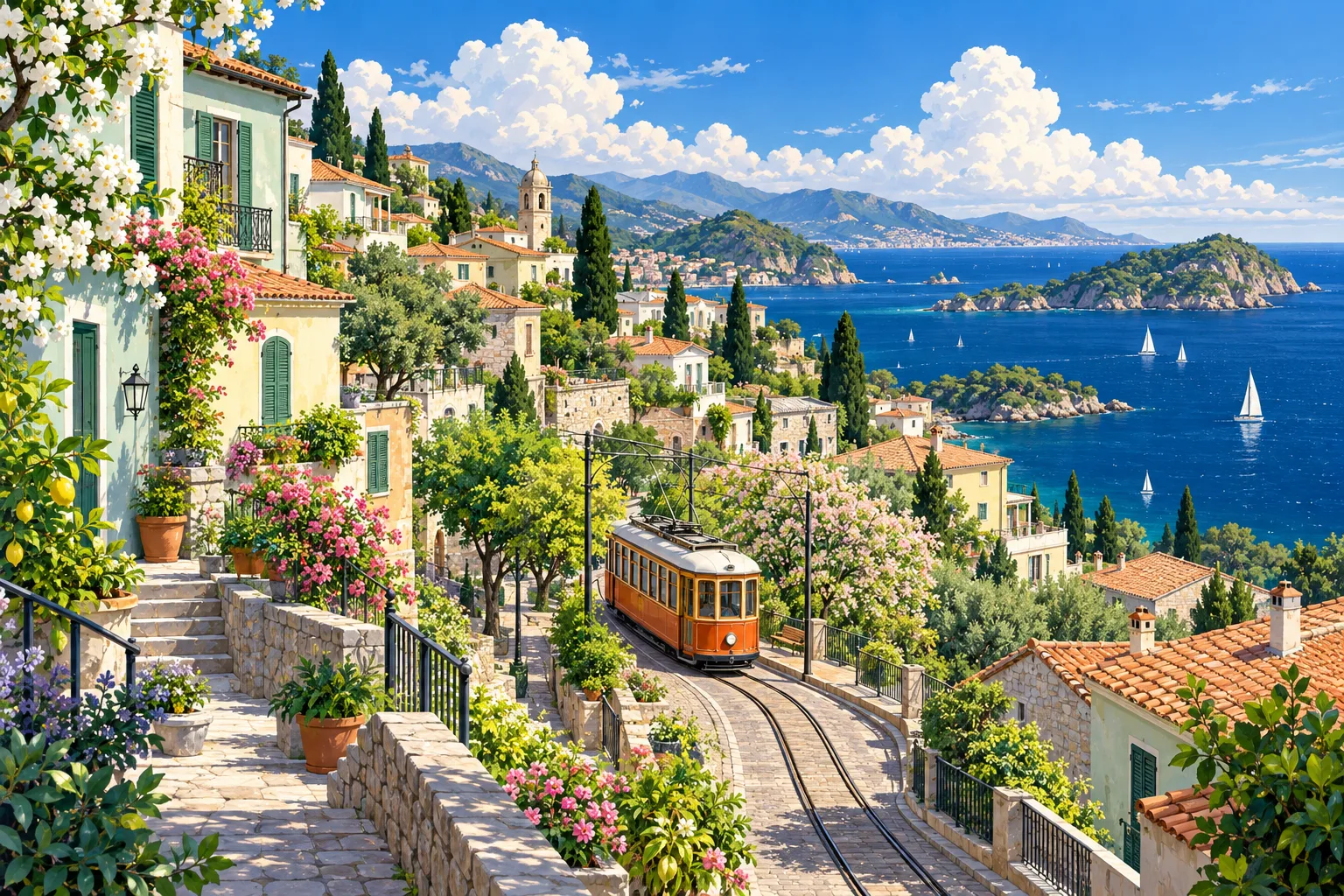
If the subject is tiny, use Crop first. Reducing the grid removes detail and cannot decide which background object matters to you. Open Pixel art studio and set width to 64. Height follows source proportions, rounded to a whole pixel: the 3:2 coastal source becomes 64 × 43.
Separate grid size from display size
Export the small pixel grid saves the actual small image. Keep working image dimensions enlarges it with smoothing disabled. If the source width is not divisible by 64, some displayed blocks can differ by a pixel. For equal integer blocks, keep the small grid and enlarge by an integer factor in software supporting nearest-neighbor scaling.
Compare palettes and dithering
Studio retro supplies eight RGB colors; Handheld green and Ink grayscale each supply four. Keep sampled colors leaves the downsampled colors alone. Fixed palettes choose the closest available RGB color rather than optimizing a new palette for every source.
Compare dithering at 0 and 50. Ordered dithering distributes palette choices in a repeating pattern to suggest intermediate tones. It can help gradients and also create distracting texture in a small face. Dithering does not add new palette colors.
Keep transparent edges in mind
Alpha is retained separately. A semitransparent edge can blend into a destination color outside the RGB palette. If exact opaque colors matter, prepare an opaque source first. An eight-color palette choice does not mean the file becomes an indexed eight-color PNG.
A downloadable browser example
This copy was exported through PixelDesk in Chromium on 20 October 2026: coastal source, 64 columns, Handheld green palette, dithering 0 and small-grid PNG output. The downloaded file contains the actual 64 × 43 pixels; the display below enlarges it with pixelated rendering.

Export without smoothing away the work
PNG retains the palette values without lossy artifacts. JPEG and lossy WebP can soften block edges. On a website, use pixelated rendering or disable canvas smoothing; MDN describes this scaling behavior. Keep both the original and small grid for later changes.
Prepared by Operance Labs, 20 October 2026. Work from a copy and inspect full-size downloads. Scaled previews and browser encoding can affect appearance; no restoration or print-quality guarantee is implied.
Put this into practice
- Pixel art studio: open the image workspace
- Crop: Keep exactly what matters.
- Resize: The right size for every space.
- Color palette: Discover the colors in your image.
Continue reading
Prepared by Operance Labs · Report a documentation issue
Try it with the sample